

In today’s digital world, internet usage has become part of daily life, from online banking and shopping to social media and work communication. However, alongside this convenience, a new wave of online threats is increasingly targeting everyday users who may not have strong cybersecurity knowledge. These modern cyber risks are more advanced, harder to detect, and often disguised as normal messages, apps, or websites. Understanding how this new online threat works is essential for protecting your personal data, financial information, and digital identity.
Understanding the New Online Threat
Rise of Modern Cybersecurity Threats
A new generation of cybersecurity threats has emerged as hackers use more advanced methods to target users. Unlike traditional viruses, these threats are designed to look harmless and often hide inside emails, links, or downloadable files. The goal is to trick users into giving away sensitive information without realizing it. This shift has made online safety more important than ever for everyday internet users.
Why Everyday Users Are Being Targeted
Everyday users are often easier targets because they may not have advanced security tools or awareness of online risks. Cybercriminals know that most people reuse passwords, click unknown links, or trust messages that appear official. This makes regular users more vulnerable compared to businesses with dedicated cybersecurity systems. As a result, attackers are focusing heavily on individuals rather than just organizations.
Common Signs of Suspicious Online Activity
One of the key challenges of this online threat is that it often looks normal at first. However, there are subtle warning signs such as unexpected emails, urgent messages asking for action, or unfamiliar website links. These signs are designed to create pressure so users act quickly without thinking. Recognizing these patterns is the first step toward avoiding digital harm.
How the Threat Works and Spreads
Phishing Attacks and Fake Messages
One of the most common methods used in this new online threat is phishing attacks. These involve fake emails, SMS messages, or social media texts that appear to come from trusted sources like banks or companies. The messages often ask users to click a link or enter personal details. Once the information is entered, attackers gain access to sensitive accounts and data.
Malware Hidden in Downloads and Links
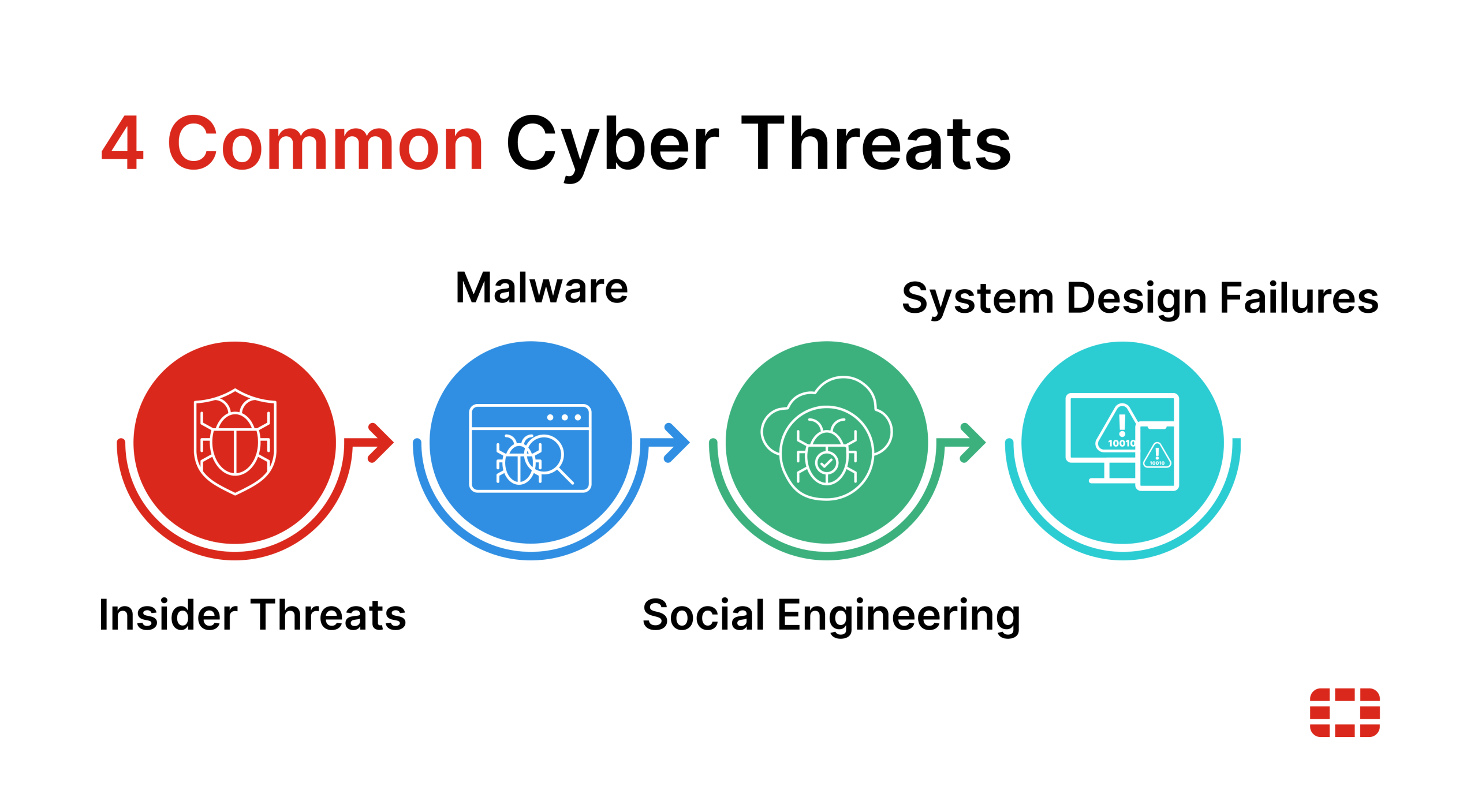
Malware is another major component of modern online threats. It is often hidden inside files, apps, or links that look safe to download. Once installed, malware can secretly collect personal information, track user activity, or even damage devices. Because it runs silently in the background, users may not realize they are affected until serious damage is done.
Social Engineering Techniques Used by Hackers
Social engineering is a psychological trick used by cybercriminals to manipulate users. Instead of breaking into systems, attackers convince people to willingly share information. This may include pretending to be customer support, offering fake rewards, or creating urgency. These techniques are highly effective because they exploit human trust rather than technical weaknesses.
How Everyday Users Can Stay Safe Online
Strengthening Passwords and Account Security
One of the simplest yet most effective ways to protect against online threats is using strong and unique passwords. Many users still rely on weak or repeated passwords, making it easier for attackers to gain access. Using a combination of letters, numbers, and symbols, along with two-factor authentication, significantly improves account security and reduces risk.
Avoiding Suspicious Links and Downloads
Users should be extremely cautious before clicking any unknown links or downloading files from untrusted sources. Most online threats begin when users interact with malicious content. Checking the sender’s identity and verifying website authenticity can prevent many cyberattacks. If something looks unusual or too urgent, it is safer to avoid it completely.
Keeping Devices and Software Updated
Regular software updates play a crucial role in cybersecurity protection. Updates often include security patches that fix vulnerabilities used by hackers. Ignoring updates can leave devices exposed to attacks. Keeping operating systems, browsers, and apps updated ensures stronger protection against evolving online threats.
FAQs
1. What is the new online threat targeting users?
It refers to modern cyberattacks like phishing, malware, and social engineering designed to steal personal data.
2. Who is most at risk from online threats?
Everyday internet users who lack strong cybersecurity awareness or protection tools are most at risk.
3. How can I identify a phishing message?
Look for urgent language, unknown senders, and suspicious links asking for personal information.
4. Is antivirus enough to stay safe online?
Antivirus helps, but safe browsing habits and awareness are equally important for protection.
5. What is the easiest way to stay safe online?
Using strong passwords, avoiding suspicious links, and keeping devices updated are the simplest safety steps.
Conclusion
A new online threat is increasingly targeting everyday users by using advanced techniques like phishing, malware, and social engineering. These cyber risks are designed to appear normal while secretly stealing personal information or damaging devices. However, with proper awareness, strong security habits, and cautious online behavior, users can significantly reduce their risk. Staying informed and proactive is the key to protecting yourself in today’s evolving digital environment.